Classroom Scheduler
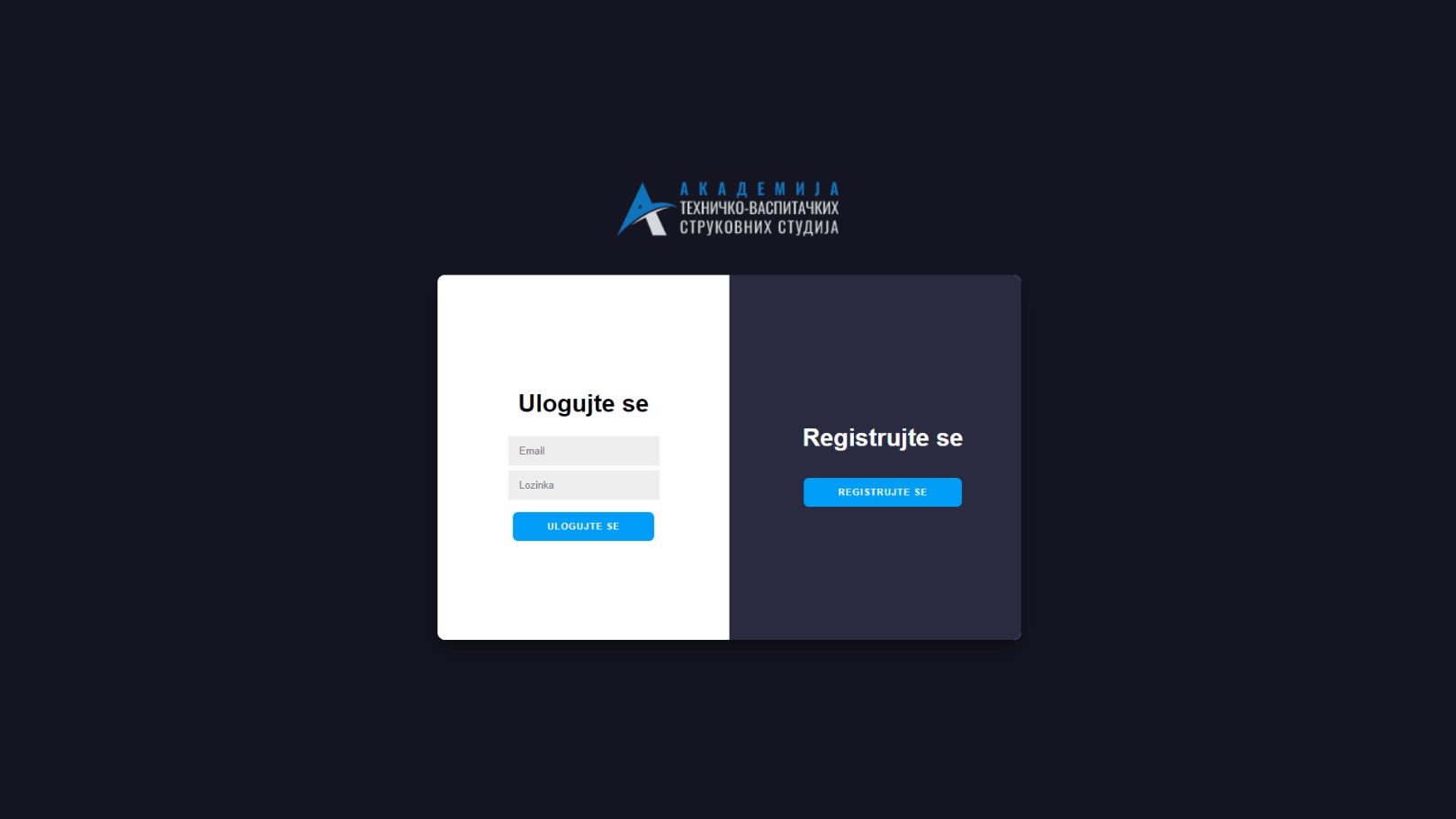
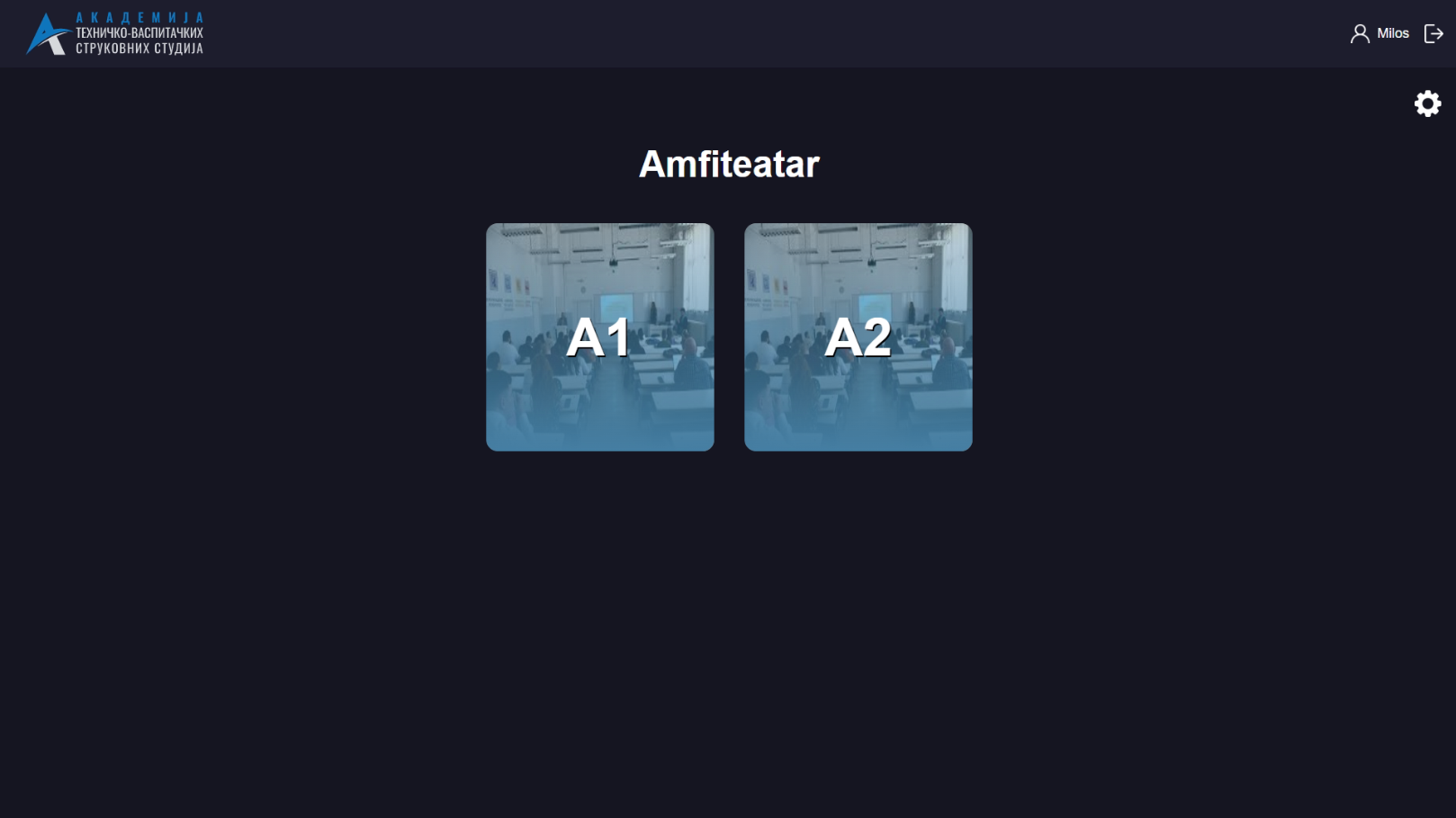
Classroom Scheduler is a sophisticated application developed for the Academy of Applied Technical and Preschool Studies in Niš, Serbia, designed to assist faculty members with organizing and reserving classrooms and amphitheaters for lectures and exams. This project streamlines the scheduling process, allowing for efficient and flexible use of academic spaces.
Disclaimer: This project is a demo version and does not include all functionalities of the full application. Certain parts of the code, particularly those involving the Azure backend, have been omitted to protect the privacy and security of the data used by the Academy of Applied Technical and Preschool Studies. The included HTML, JavaScript, and ASP.NET code provides a partial view of the project’s capabilities.
Table of Contents
Features
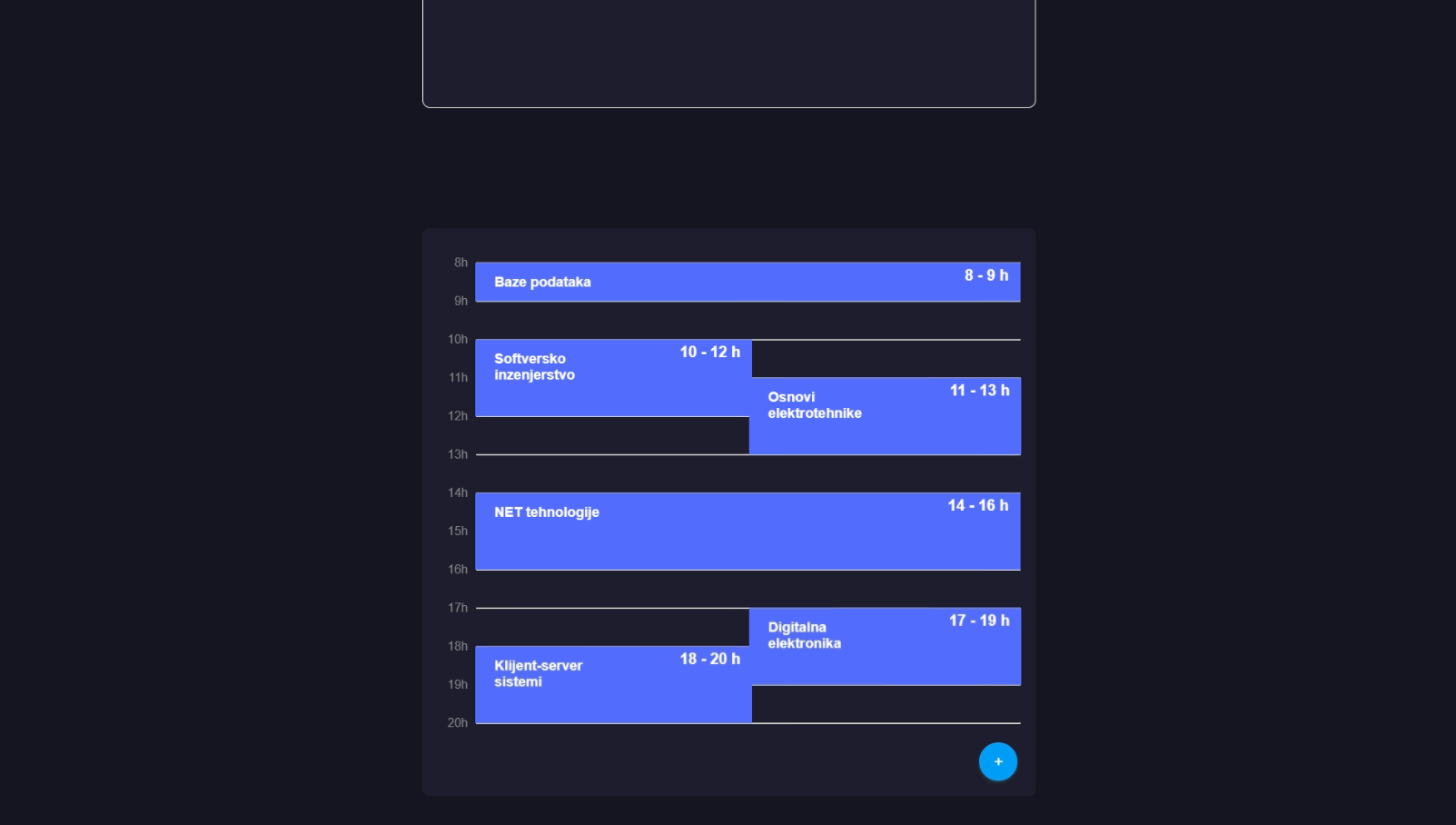
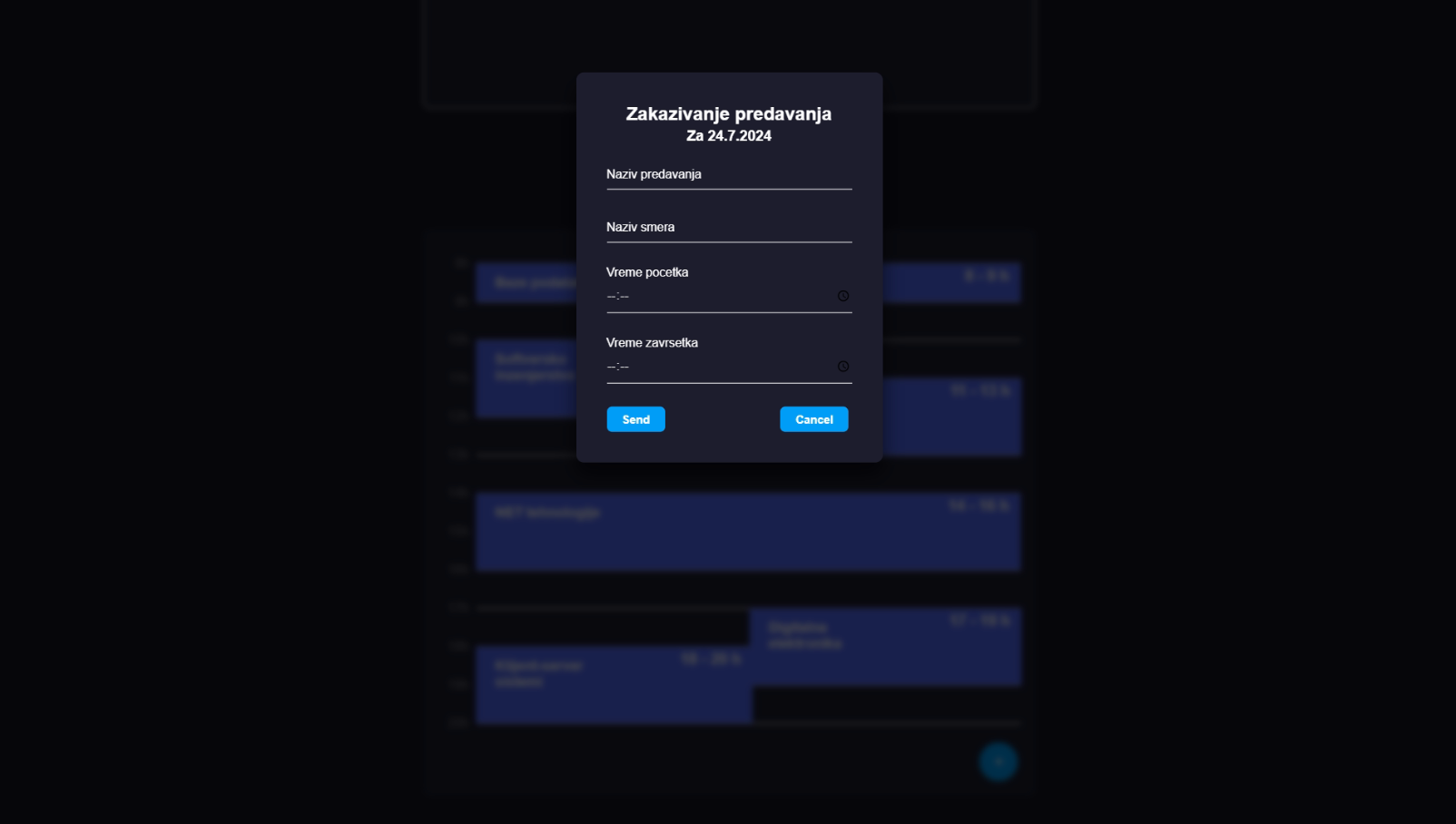
- Lecture Scheduling - Professors can schedule lectures, specifying the subject, study program, date, time, and classroom or amphitheatre.
- Exam Scheduling - Professors can schedule exams with the same options as lectures, plus a graphical interface to organize seating arrangements.
- Seating Arrangement - The application allows professors to graphically draw a seating map for exams, ensuring efficient use of space and organization.
- Multi-purpose Classroom Usage - Enables the same classroom or amphitheatre to be used for different exams simultaneously for different study programs.
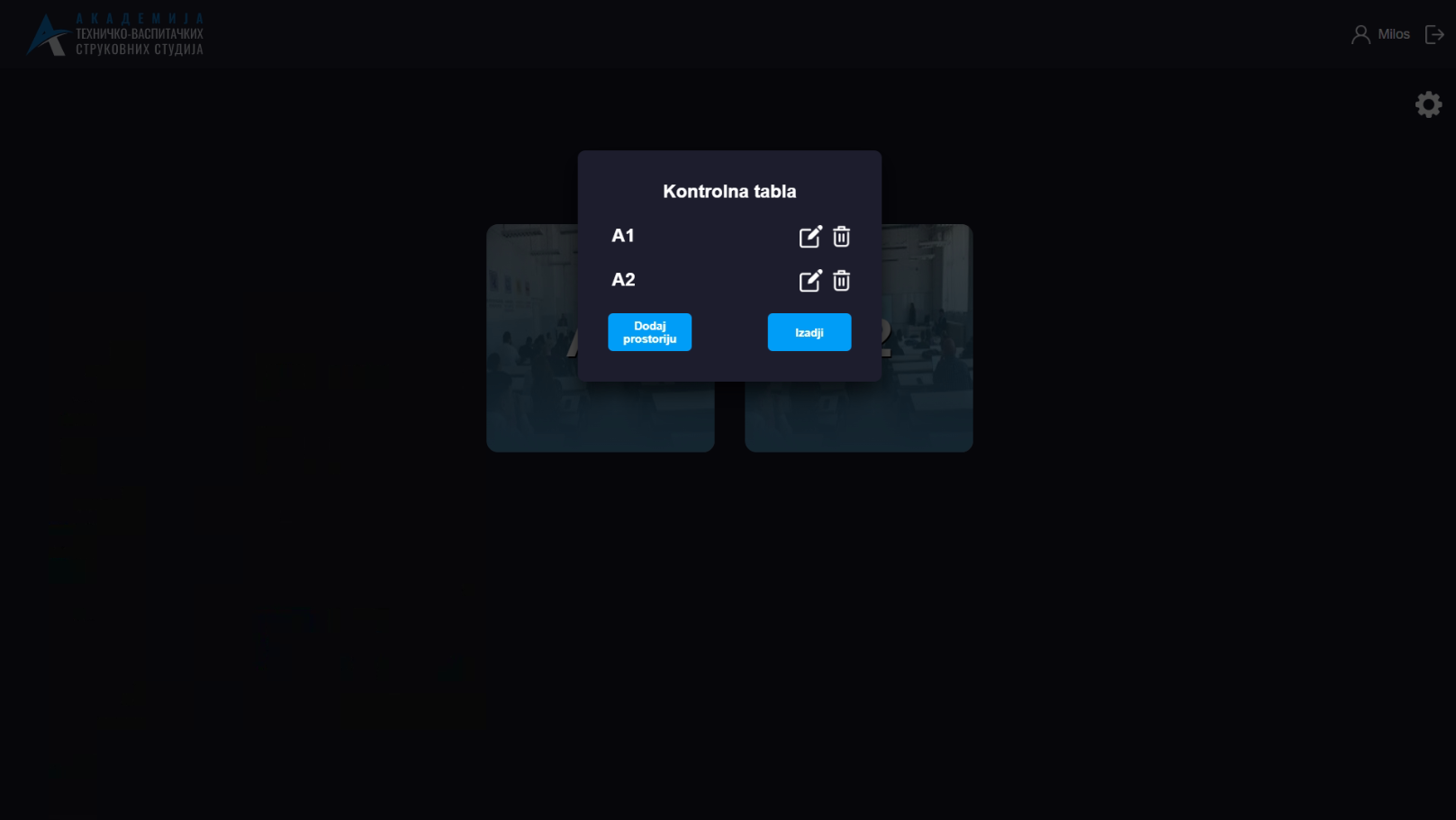
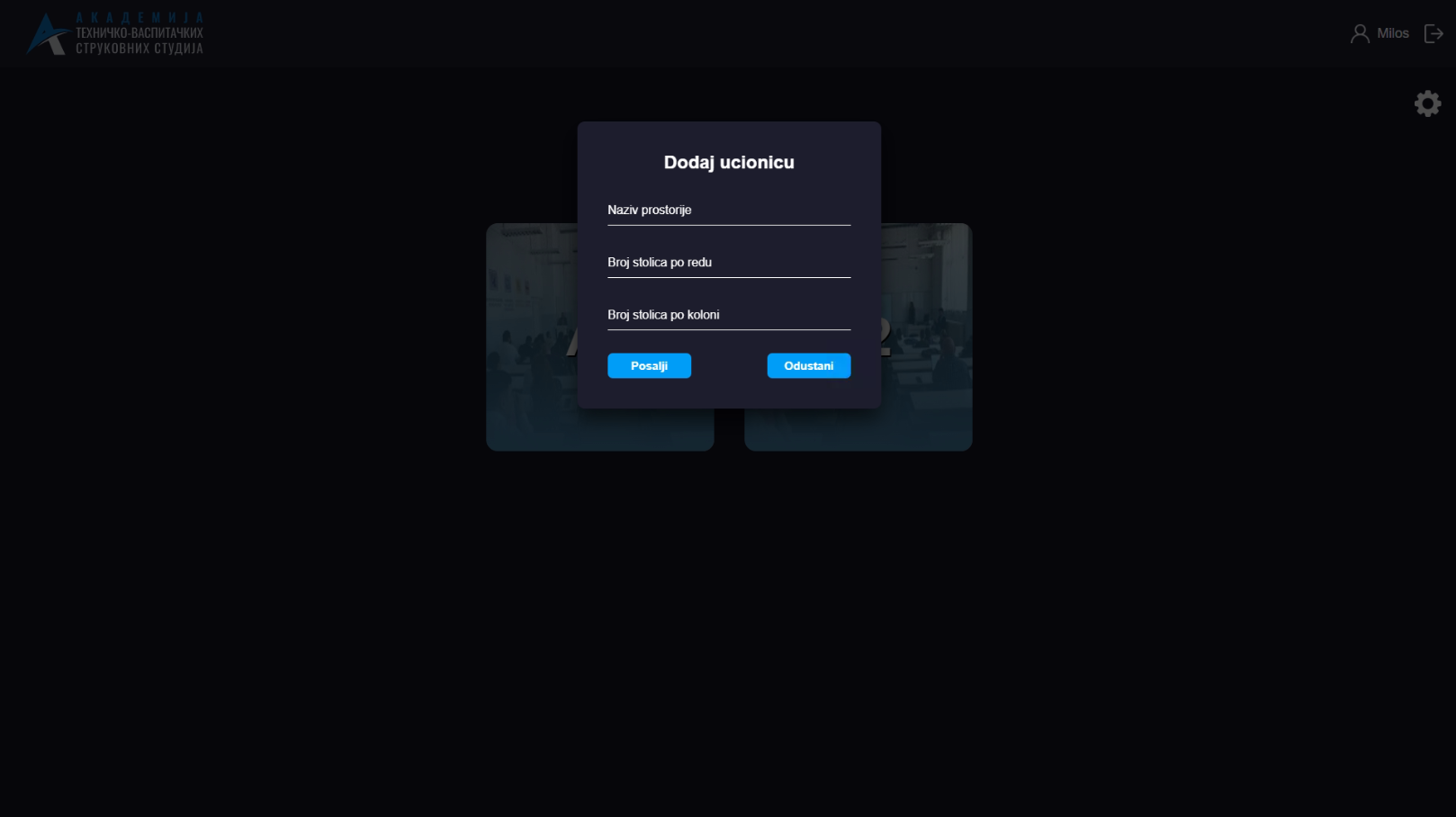
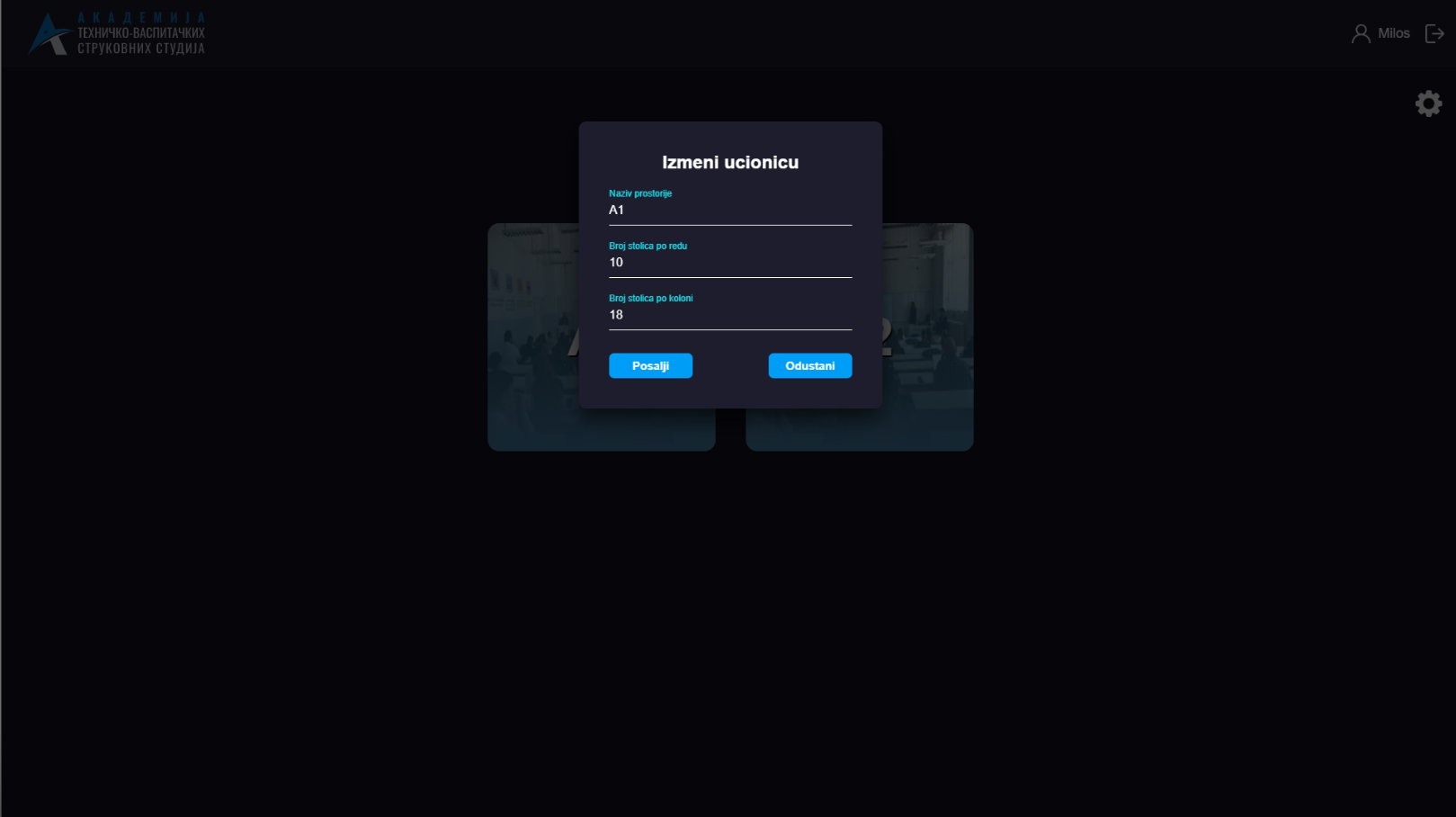
- Custom Classroom Management - Admins can add, edit, or delete classrooms and amphitheatres as needed.
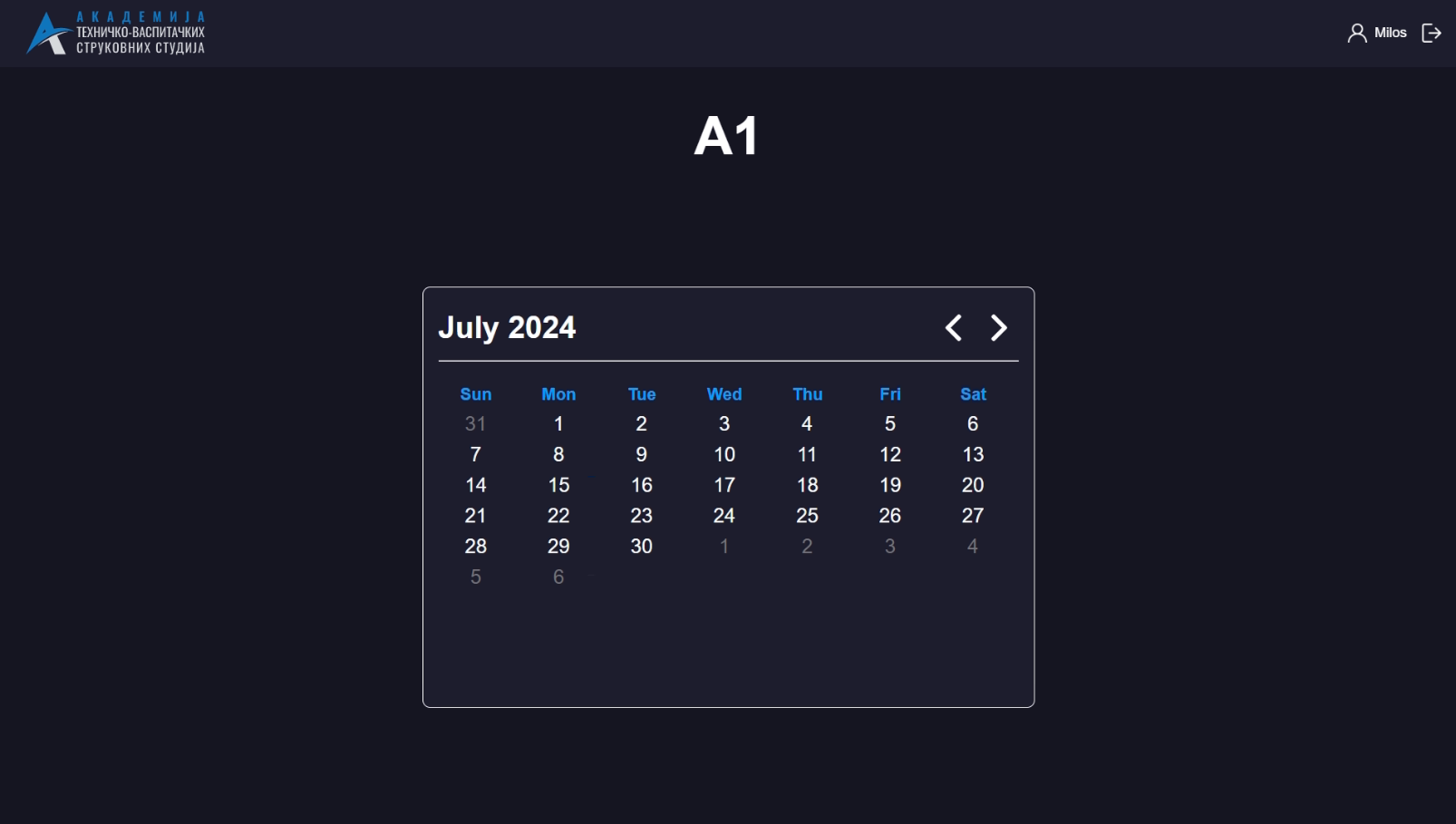
- Calendar Integration - Allows selecting any date from the calendar to schedule or edit academic activities.
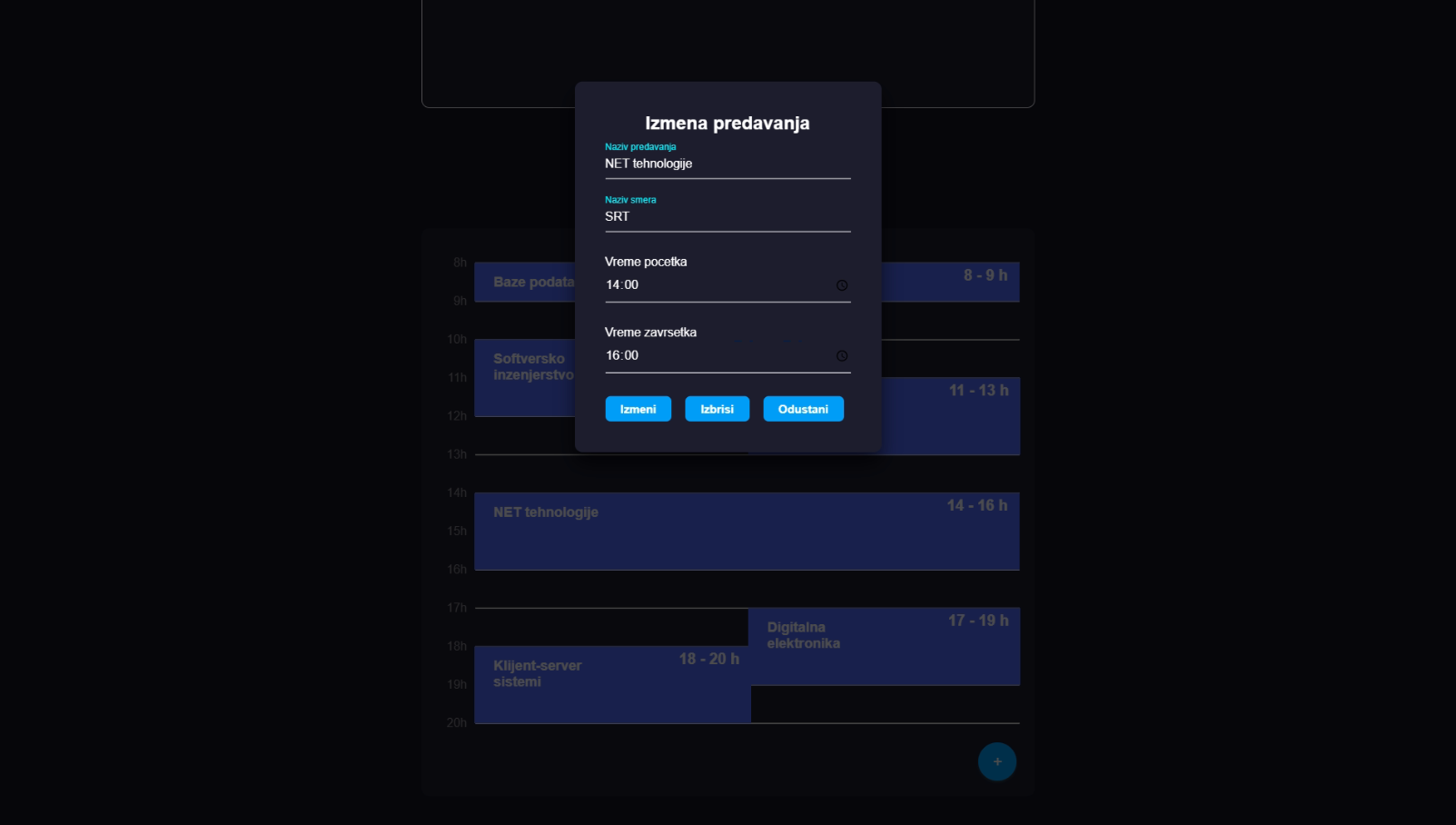
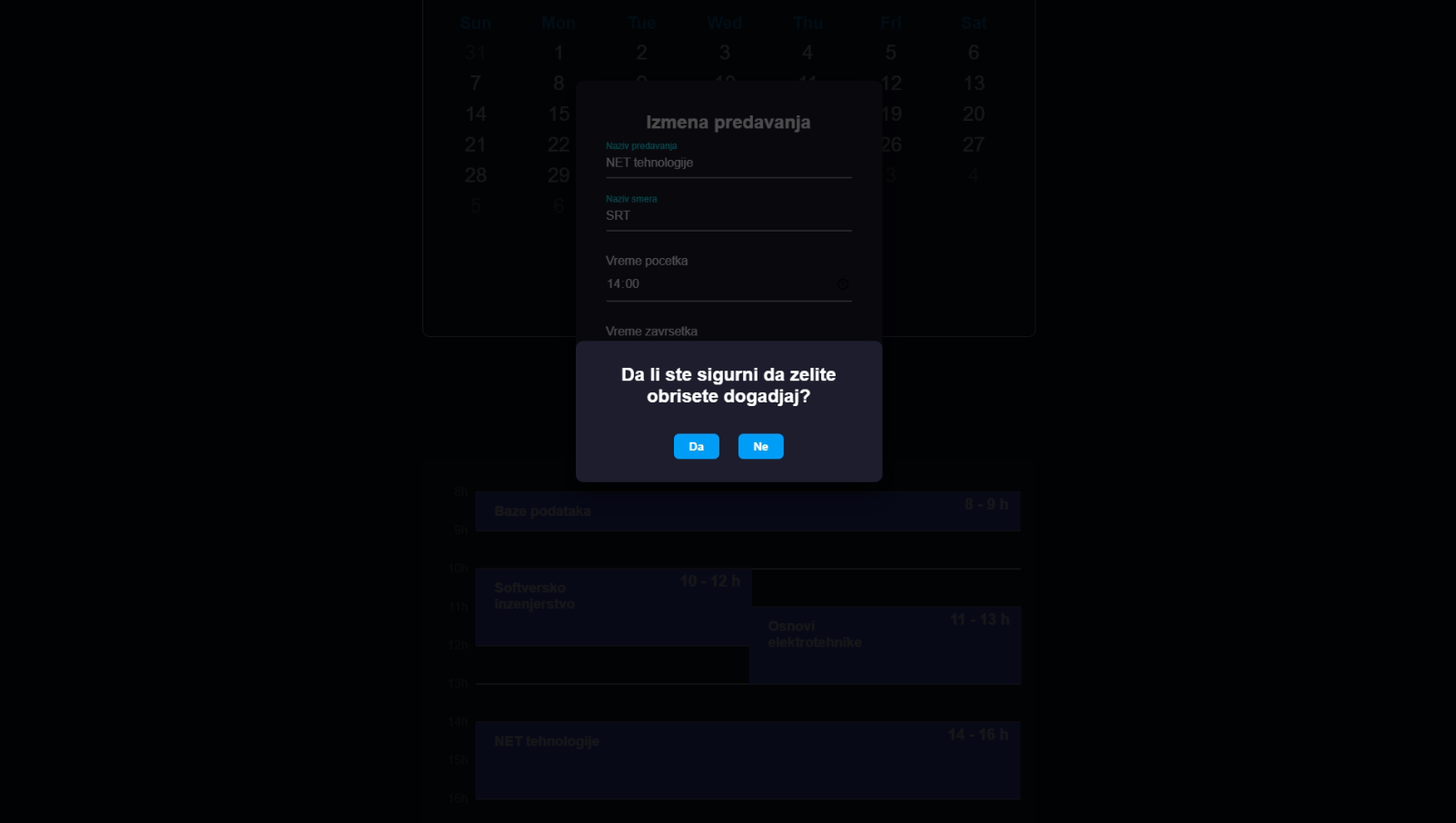
- CRUD Operations - Professors and assistants can add, update, and delete scheduled activities.
- User Roles
- Guest - Can view the schedule for all classrooms and amphitheatres for any day.
- Professor/Assistant - Can add, edit, and delete lectures and exams for any day.
- Admin - Can manage classrooms and amphitheatres, including adding, editing, and deleting them.
Technology Stack
The application is developed using a combination of technologies for the frontend and backend, and is hosted on Azure.
Frontend
- HTML - For structuring the web pages.
- JavaScript - For adding interactivity and functionality to the web pages.
Backend
- .NET (ASP.NET, C#) - For implementing the server-side logic and handling requests.
Database
- Azure - Provides robust and scalable data management.
Server
- Azure - Ensures high availability and performance.
Installation
To install and view code or run this demo project locally, follow these steps:
Prerequisites
- Visual Studio Code & Live Server Extension
- .NET 8.0 SDK
- Visual Studio 2022 (or any version that supports .NET 8.0)
Setup
- Clone the repository from GitHub:
git clone https://github.com/ChicaneMilos/parking-simulation.git - Open the web app project:
- Open Visual Studio Code.
- Open the JavaScript folder located in the repository.
- You are all set. View the code or start the live server to run it.
- Open the ASP.NET project:
- Open Visual Studio 2022.
- Open the solution file (
.sln) located in the repository. - You are all set. View the code or build and run the project to start the server.
Contact
If you have any questions, feedback, or inquiries, please feel free to reach out to me at:
- Email: jokic.milos@outlook.com