Parking Simulation
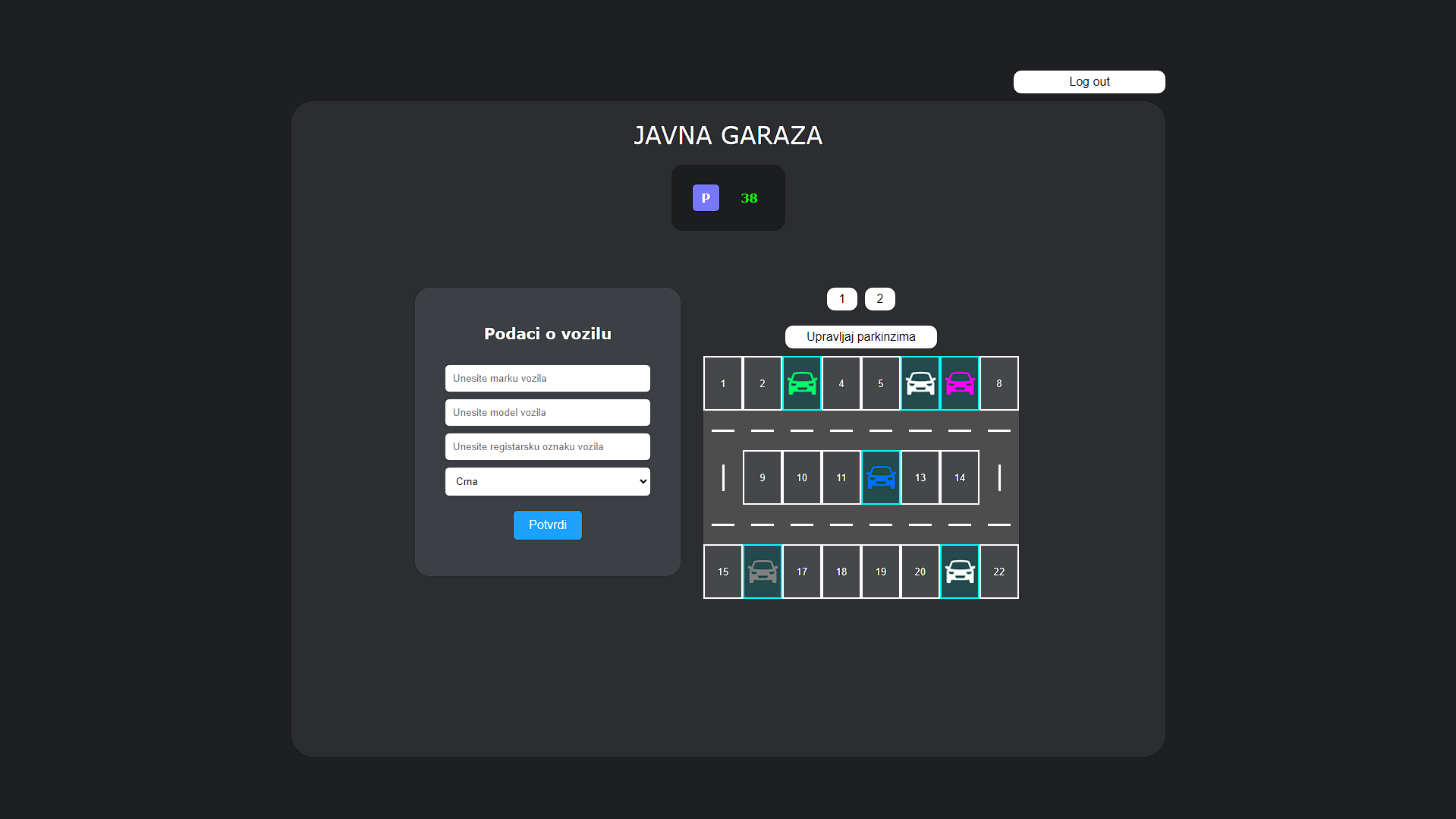
The Parking Simulation project is a comprehensive application developed entirely using JavaScript, with backend support implemented twice using different technologies: Python and .NET (ASP.NET). The application simulates a parking environment where users can manage vehicle data within parking spots, tracking various attributes and calculating parking fees based on duration.
Features
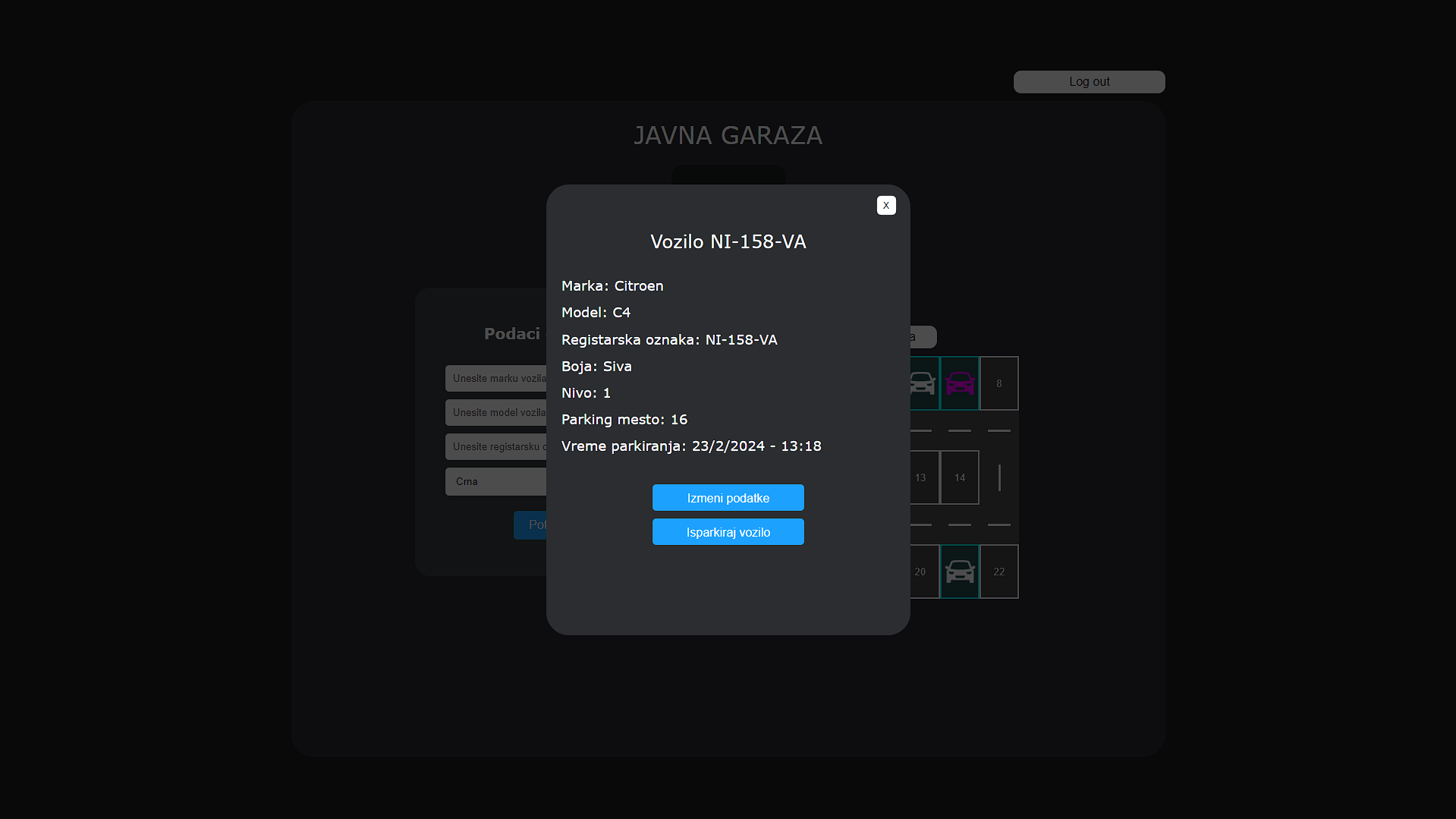
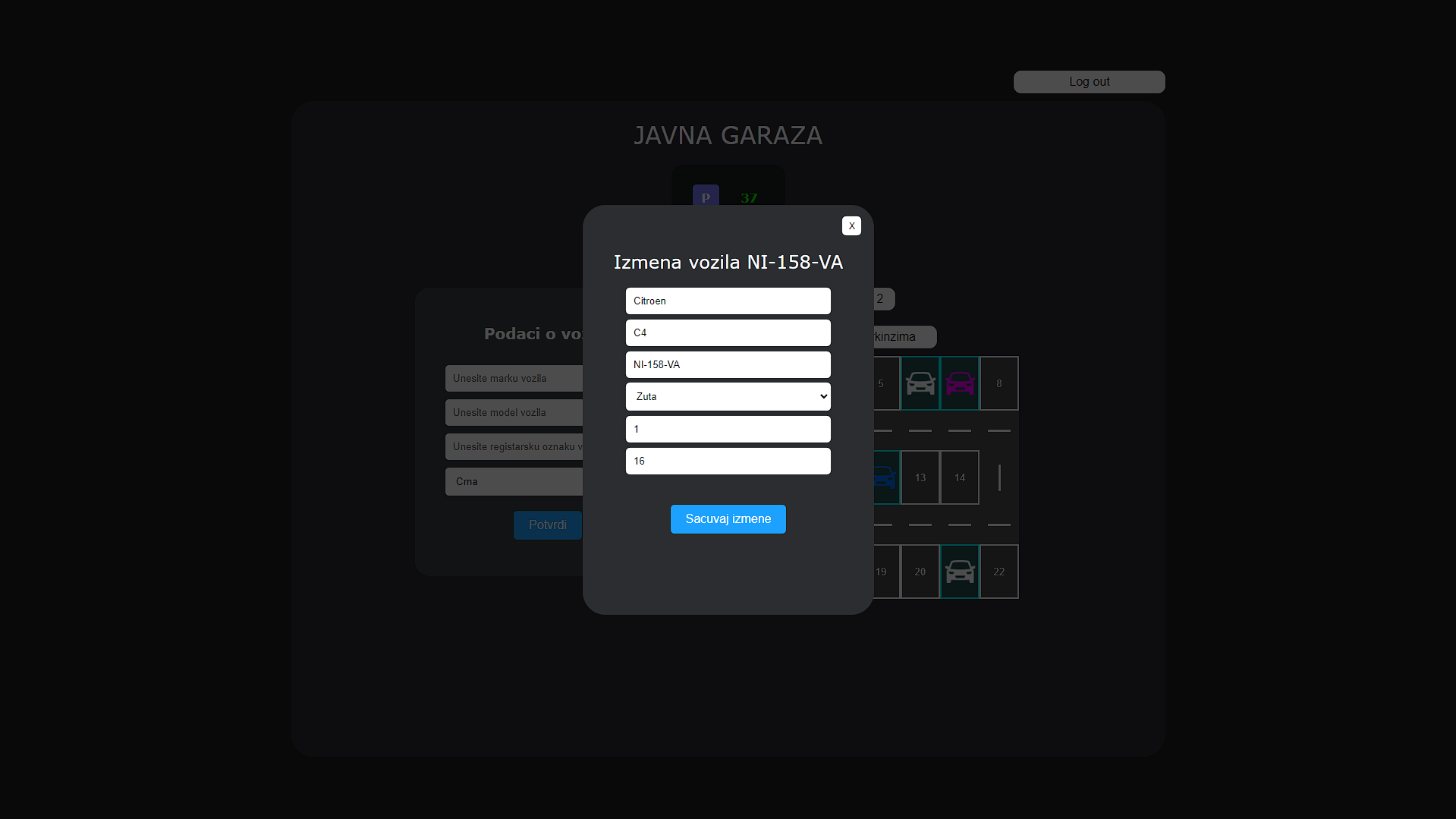
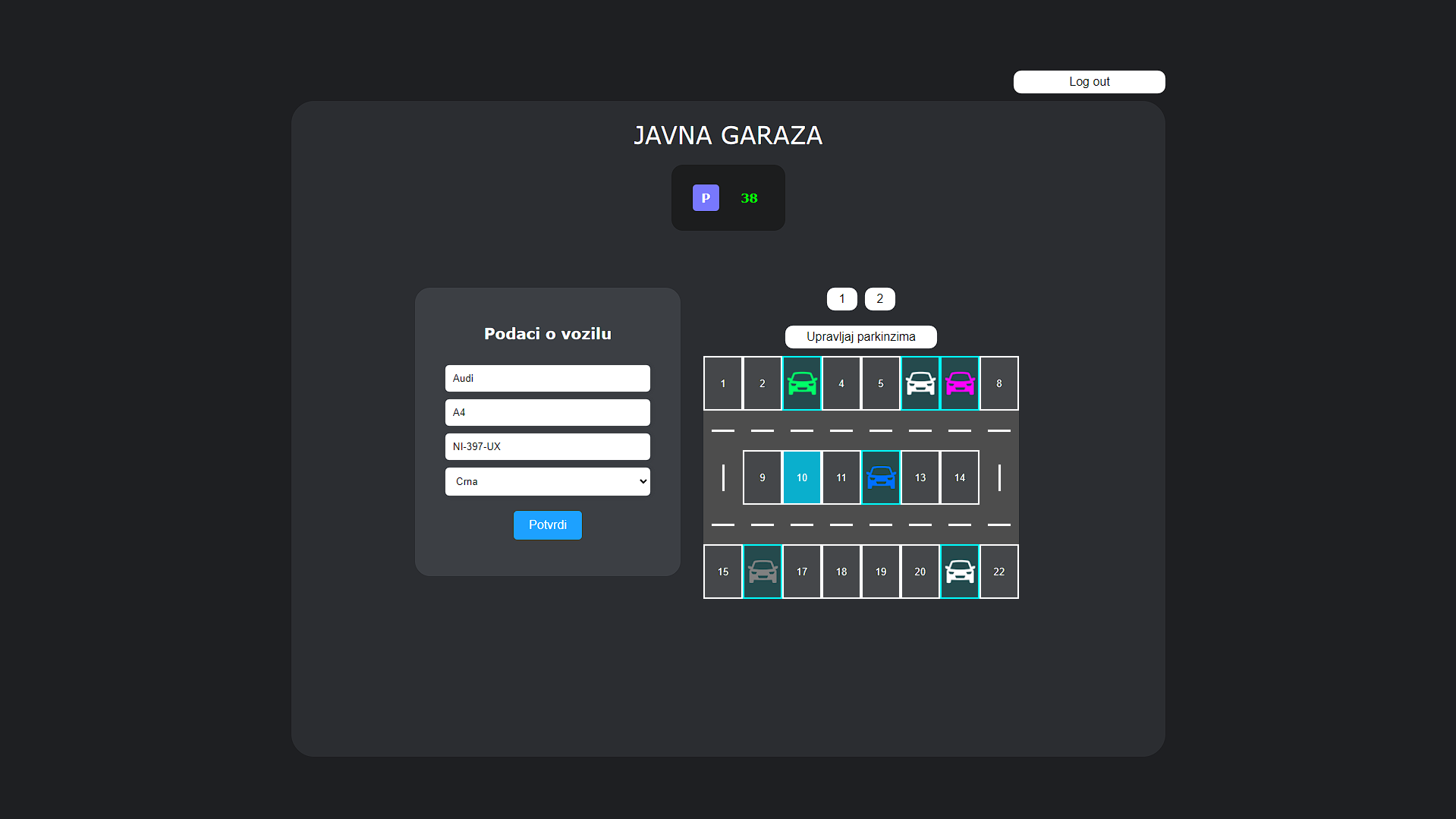
- Vehicle Data Management - Users can input and manage details of vehicles including color, brand, model, and registration number.
- Parking Duration Tracking - The application tracks the total time each vehicle remains parked.
- CRUD Operations - Users can add, update, and delete vehicle entries.
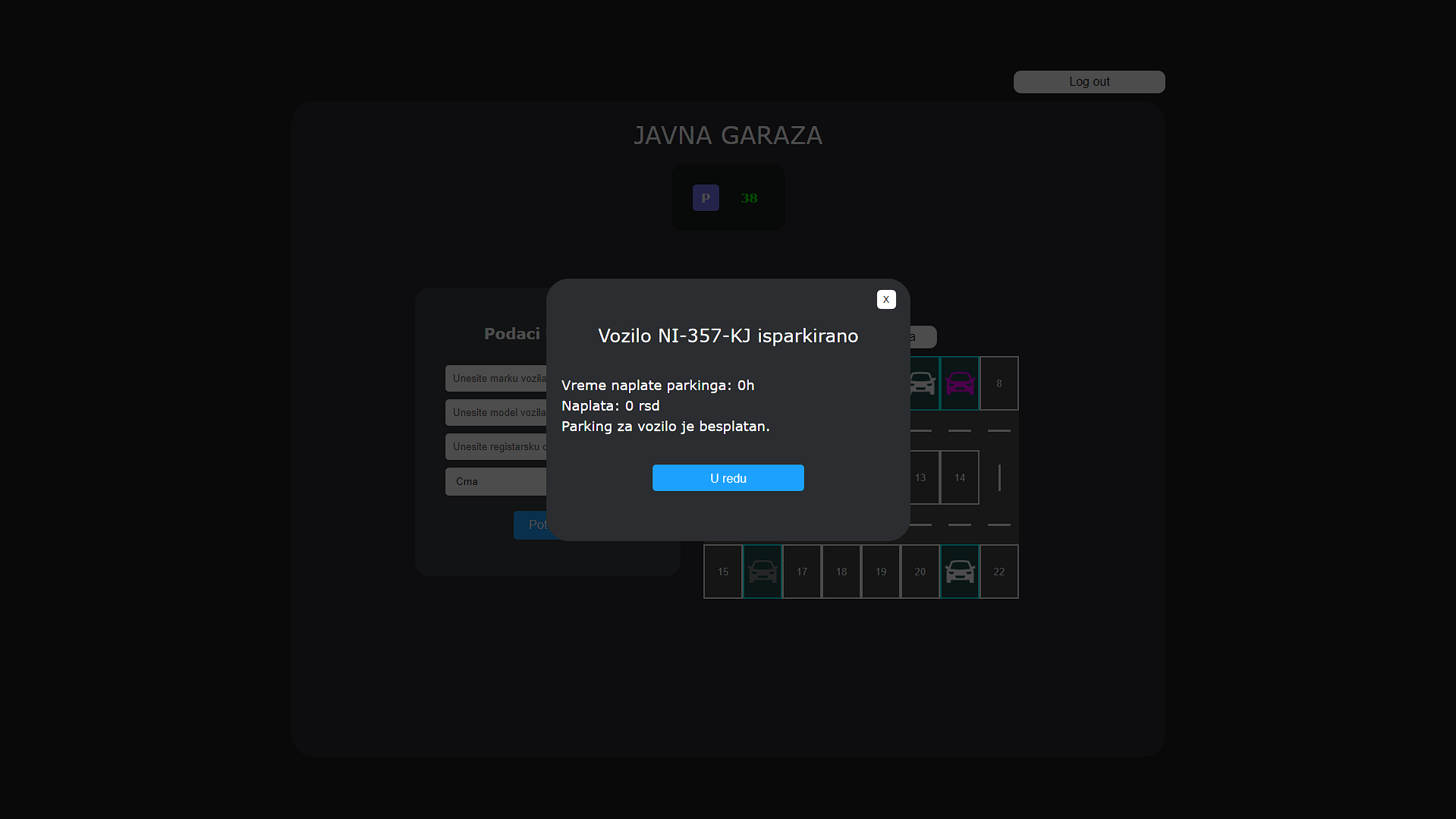
- Parking Fee Calculation - The first 3 hours of parking are free. Beyond that, the application calculates the total parking fee based on the number of hours parked and the hourly rate.
- Parking System - The application includes a parking system that manages check-ins and check-outs of vehicles.
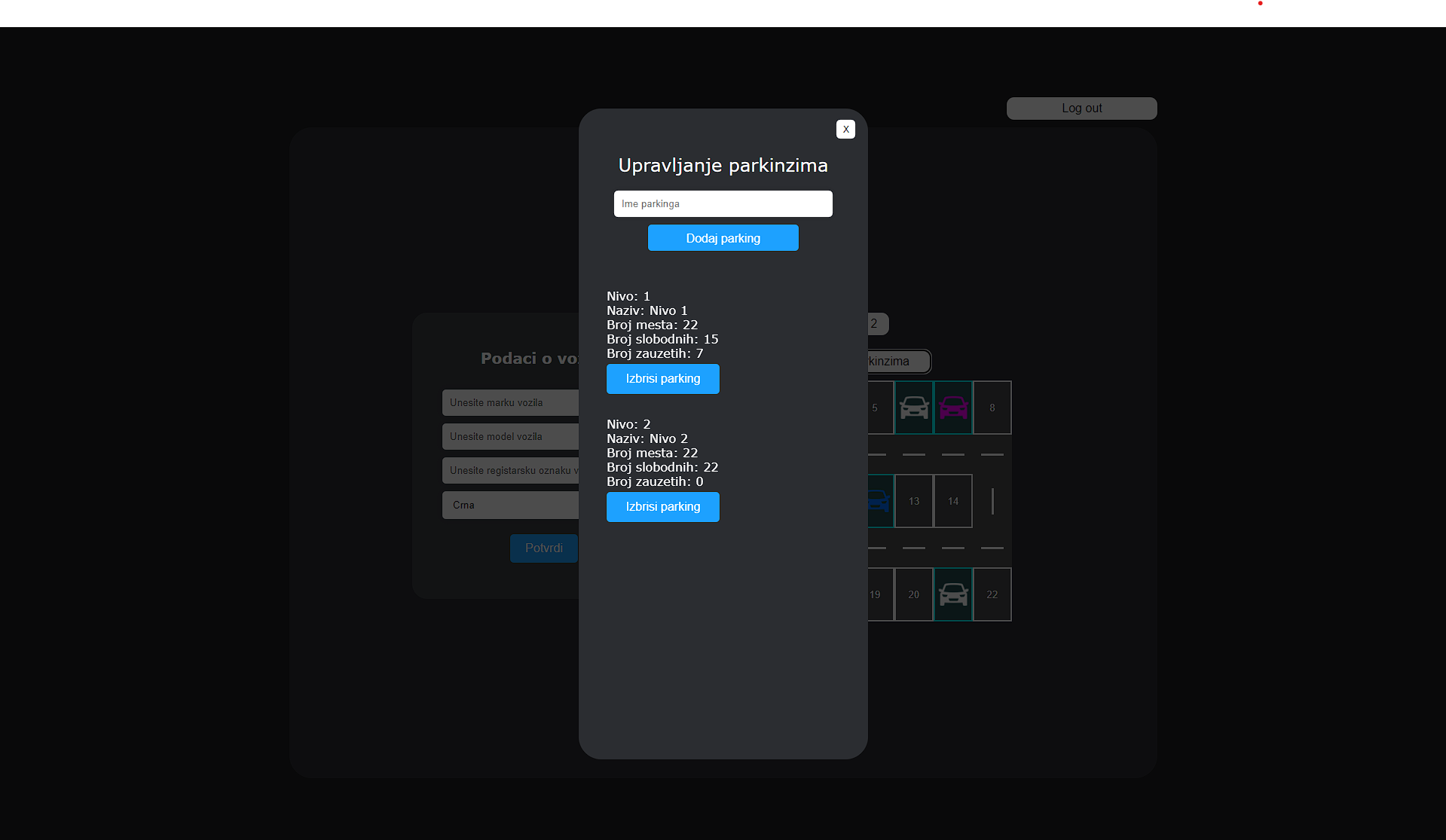
- Multi-Level Parking - Users can park vehicles on different levels of the garage. It is also possible to add or remove levels within the garage as needed.
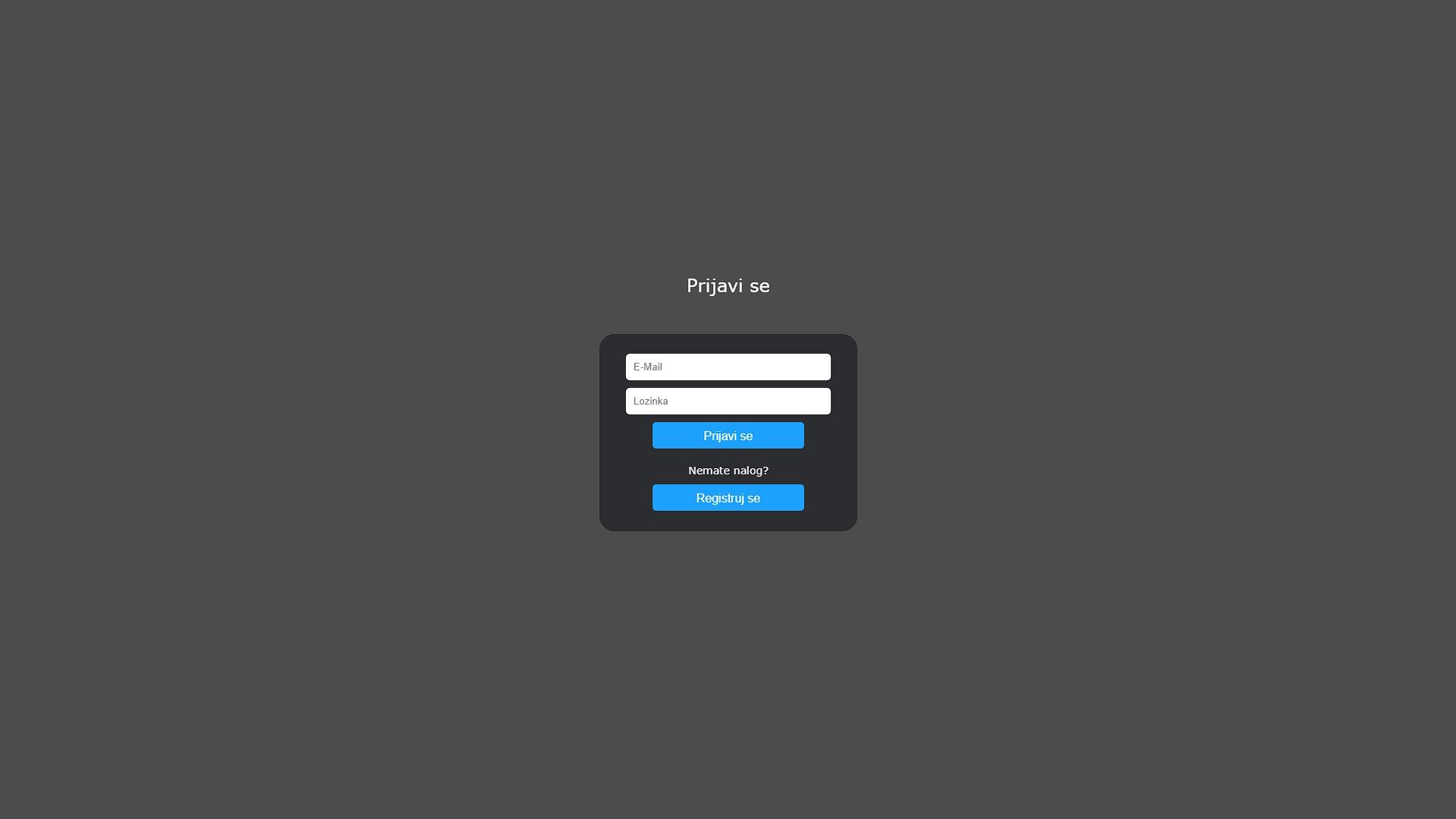
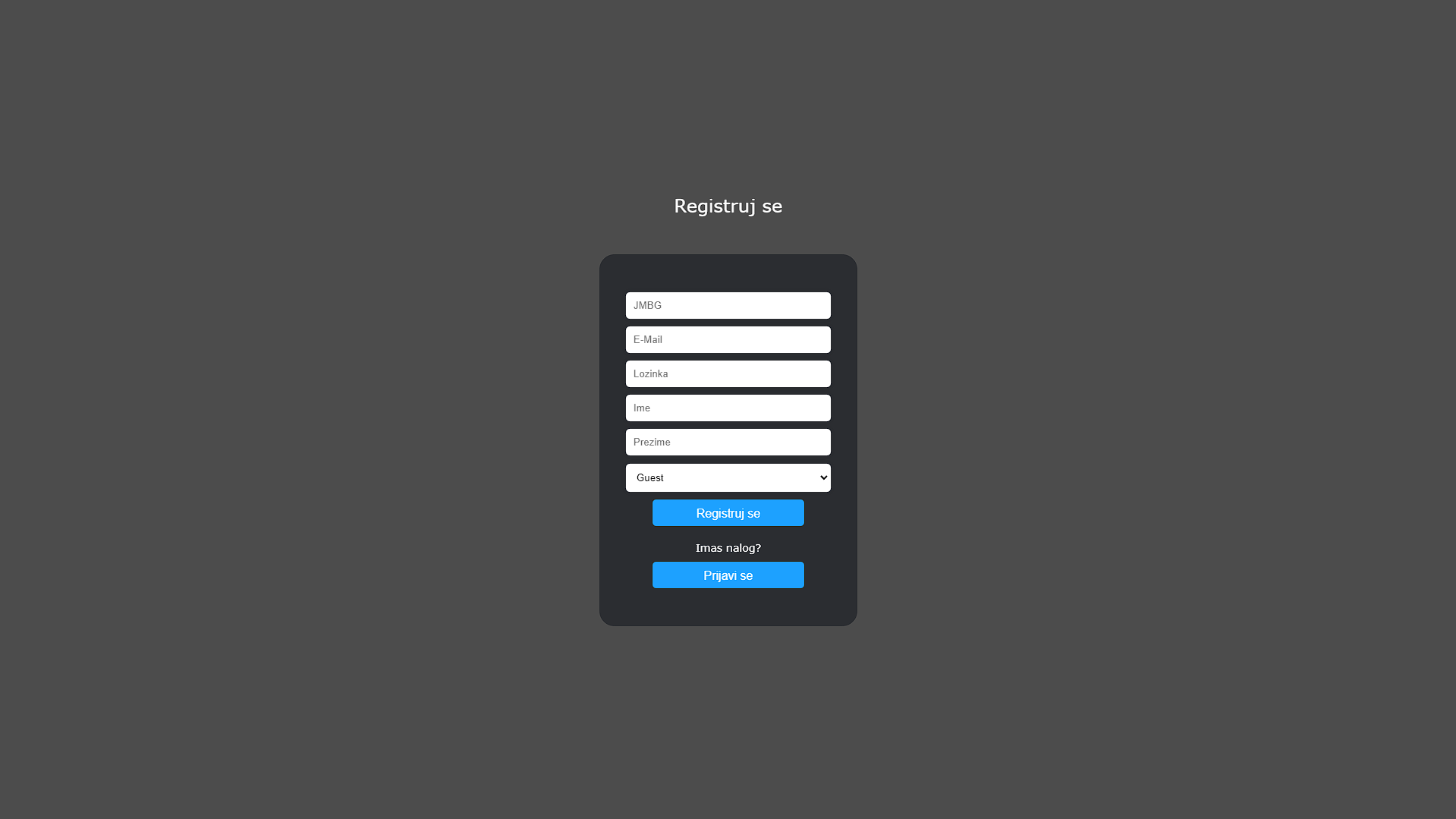
- User Registration and Login - Users can register and log in to the application.
- Role-Based Access Control:
- Guest - Can view parked vehicles.
- User - Can add and manipulate their own vehicles.
- Admin - Can manipulate any vehicle and manage garage levels.
Backend Technologies
JavaScript with Python (MySQL)
- Database Communication - Uses Python to communicate with a MySQL database.
- Data Handling - Python scripts handle backend processes, ensuring smooth interaction with the database for storing and retrieving vehicle data.
JavaScript with .NET (ASP.NET, SQL Server)
- Database Communication - Utilizes ASP.NET with a SQL Server database specifically designed for this application.
- Web Application Framework - Provides a robust framework for managing backend operations and seamless interaction with the frontend.
- Technology Stack - Developed using .NET, ASP.NET, and C# to ensure high performance and reliability.
Installation
To install and run this project locally, follow these steps:
Prerequisites
- Visual Studio Code & Live Server Extension
- Python 3.11 (recommended version) - For JavaScript with Python
- MySQL Server - For JavaScript with Python
- MySQL Workbench or phpMyAdmin - For JavaScript with Python
- .NET 8.0 SDK - For JavaScript with .NET
- MS SQL Server - For JavaScript with .NET
- SQL Server Management Studio (SSMS) - For JavaScript with .NET
- Visual Studio 2022 (or any version that supports .NET 8.0) - For JavaScript with .NET
JavaScript with Python
- Clone the repository from GitHub:
git clone https://github.com/ChicaneMilos/parking-simulation.git - Import the database:
- Open MySQL Workbench or phpMyAdmin.
- Create a new database.
- Import the
garaza.sqlfile located in the repository into the new database.
- Run the Python server:
python app.py - Run the web app:
- Open Visual Studio Code.
- Open the JavaScript folder located in the repository.
- Start live server.
JavaScript with .NET
- Clone the repository from GitHub:
git clone https://github.com/ChicaneMilos/parking-simulation.git - Import the database:
- Open SQL Server Management Studio (SSMS).
- Connect to your SQL Server instance.
- Right-click on the Databases node and select Restore Database...
- Select the Device option and choose the backup file (
garaza.bak) located in the repository. - Follow the prompts to restore the database.
- Run the .NET server:
- Open Visual Studio 2022.
- Open the solution file (
.sln) located in the repository. - Ensure the database connection string in
appsettings.jsonis correctly configured to point to your SQL Server instance. - Build and run the project.
- Run the web app:
- Open Visual Studio Code.
- Open the JavaScript folder located in the repository.
- Start Live Server.
Contact
If you have any questions, feedback, or inquiries, please feel free to reach out to me at:
- Email: jokic.milos@outlook.com